Evolved PWI — 1.8.9 Expansion
The Azure Dragon's Gift
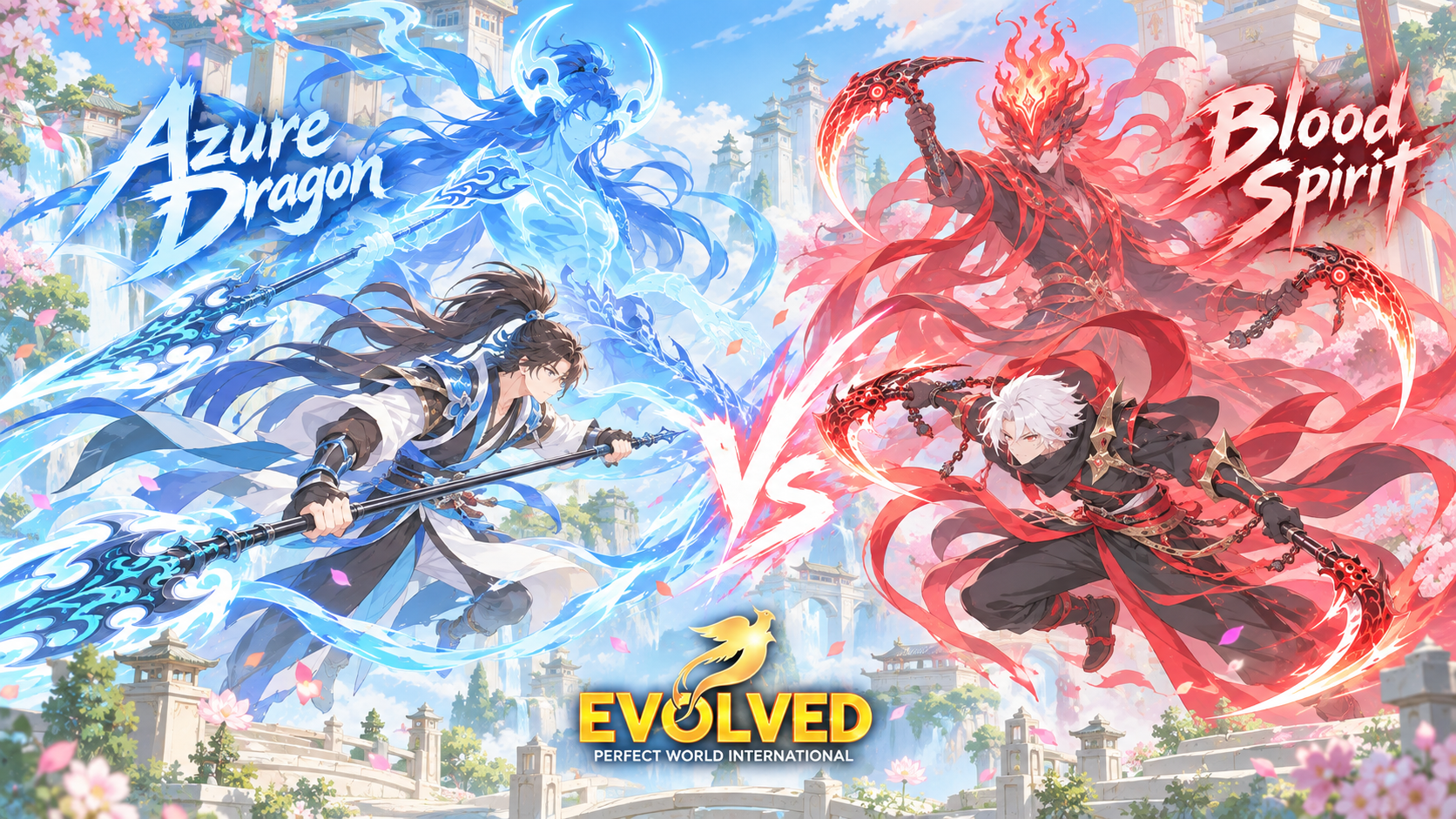
New client · 2 new classes · Tome Refining · Dawnlight Halls · Reworked settings · New GFX · Nation Wars Balance changes
New Client
Required to play on Evolved PWI 1.8.9
Optimized Game Client New
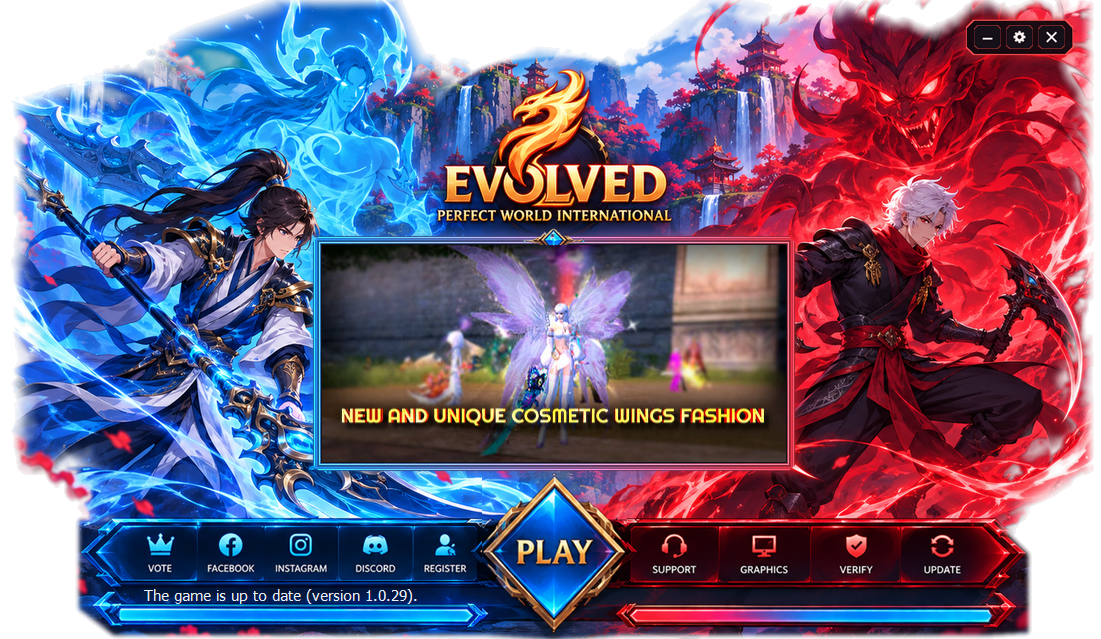
We have spent a long time optimizing, enhancing and reworking every area of our client. The result is a highly optimized client that significantly reduces the risk of corruption while patching and increases patching speed, especially for larger patches. New classes and large patches can now be added faster and more smoothly than ever before, regardless of your internet speed.
New Client Features
- New loading screens
- New login screen
- New character selection screen
New Classes
Two brand-new playable classes
Blood Spirit New Class
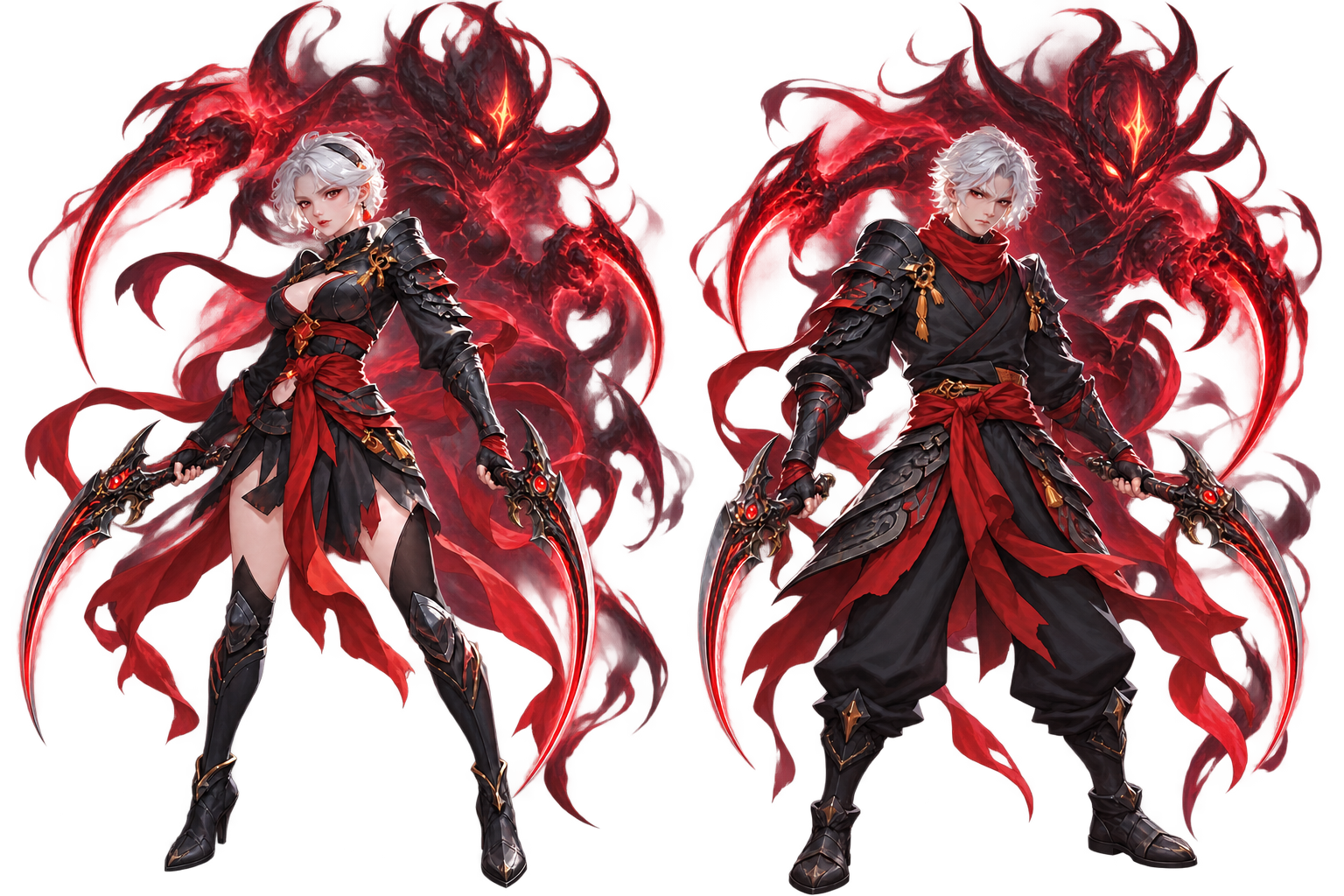
Born from wandering souls and burdened by the ancient power of the Blood Fiend, Blood Spirits walk a path between control and corruption.
Hidden from the world, they practice forbidden blood-and-soul techniques, wielding Twin Sickles with exceptional speed while hunting the darkness that plagues Perfect World.
When faced with overwhelming opposition, a Blood Spirit can release the power imprisoned within and enter Blood Demon form, sacrificing safety for devastating combat strength.
Masters of pursuit, survival and execution, Blood Spirits thrive on the edge of death — where a wounded hunter can become the greatest threat on the battlefield.
- Create your Blood Spirit on the character selection screen under the Earthguard race.
Azure Dragon New Class
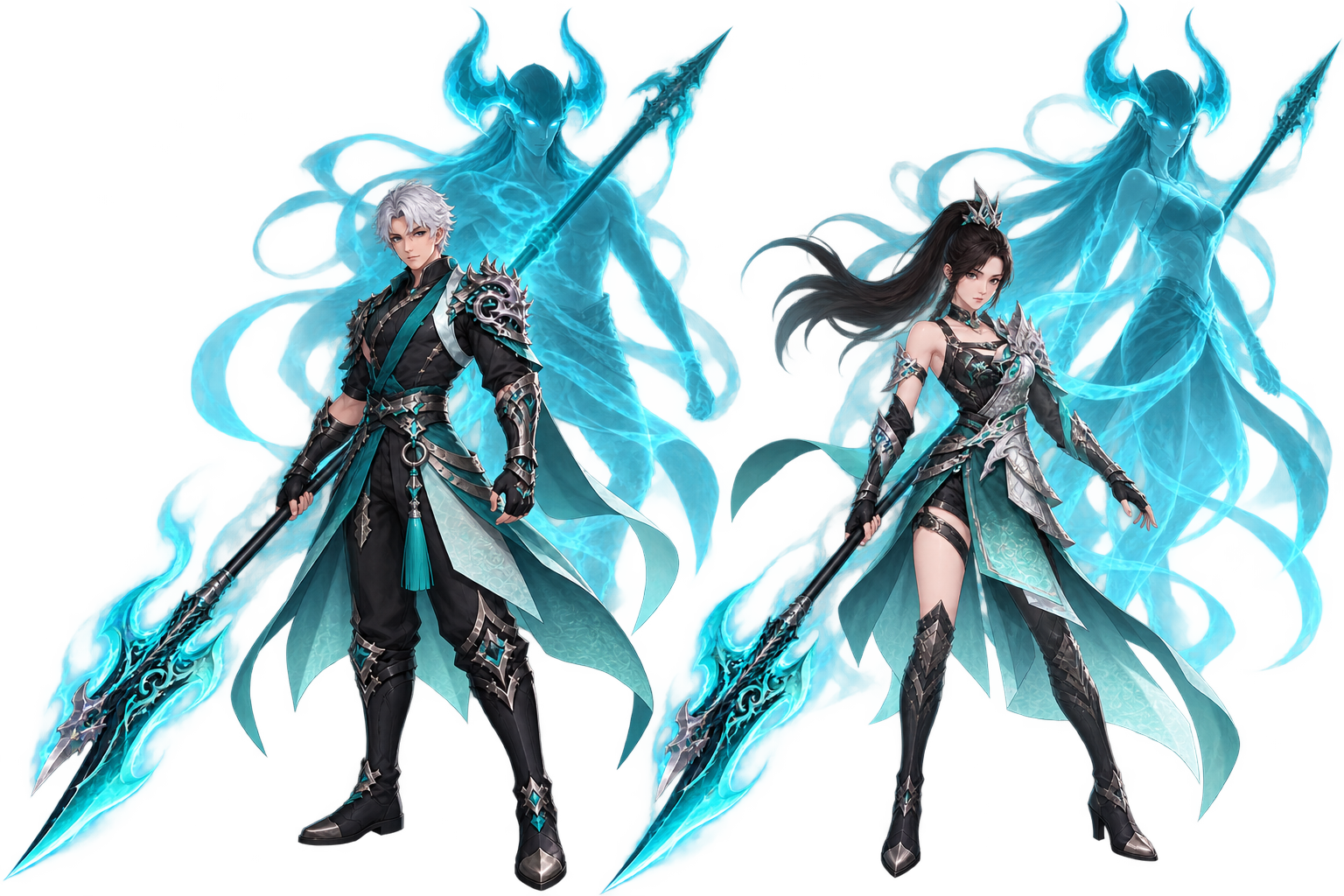
Born from a forgotten branch of the Nightshade who were stripped of their divine power, the Azure Dragons forged strength where none remained.
Through centuries of mortal martial training, their founder Gu Qingyu mastered the halberd before awakening the dormant Breath of the Azure Dragon within herself. By uniting martial discipline with this ancient power, she opened a new path for her people.
Wielding the Halberd, Azure Dragons combine relentless melee assaults with rapid advances, charged strikes and attacks capable of reaching distant enemies.
Heavily armored yet exceptionally mobile, Azure Dragons tear through enemy formations with overwhelming momentum — carrying the will of Qingyu and the power of the Azure Dragon into battle.
- Create your Azure Dragon on the character selection screen under the Nightshade race.
Both Classes Include
| Gear | Status |
|---|---|
| Rank 9 Recast 4 | Made from scratch — available on a private server for the first time |
| Rank 9 Recast 3 | Made from scratch — available on a private server for the first time |
| Rank 8 Recast & Re-recast | Made from scratch — available on a private server for the first time |
| Older armor & weapons | Recreated and made available (Twilight Temple, Nirvana Palace, Lunar Glade…) |
Where to Get Skill Books
All skill books can be obtained through the usual Evolved PWI sources:
- Eden / Brimstone Pit
- Flowsilver Palace
- Nature Forges in Thousand Streams
- PW Boutique Agent
- Shops (Cubi & Event Gold)
Endgame Content
New progression system and a new dungeon
Tome Refinement Custom New
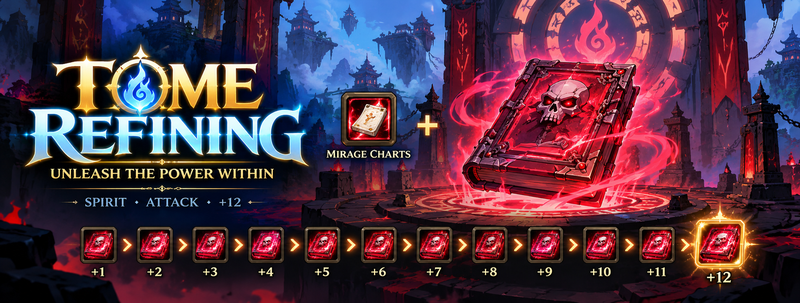
We have officially added the new Tome Refining system, which allows you to refine your Tomes up to +12. Tome refining grants powerful stat bonuses and, most importantly, extra Spirit.
All required items, the NPCs where you refine your Tomes, and the full cost of reaching +12 at a 100% success rate are listed in our guide.
At the heart of this system is the revival of old, forgotten dungeons that see almost no use nowadays. You can now experience them again in all their glory while progressing toward your Tome refinement.
| Role | Dungeons |
|---|---|
| Core dungeon | Dawnlight Halls |
| Also involved | Twilight Temple, Cube of Fate, Nirvana Palace, Abaddon, Seat of Torment, Warsong City and many more |
Dawnlight Halls Custom New Dungeon
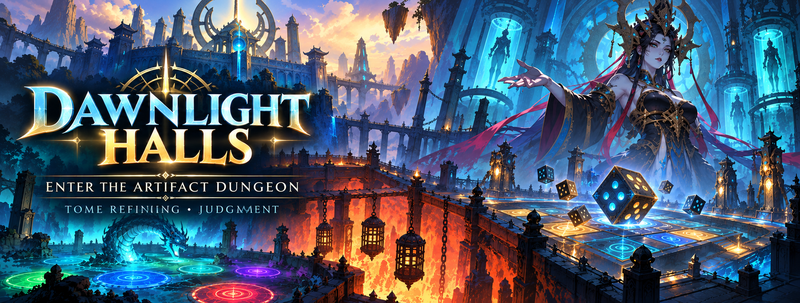
The long-awaited dungeon is finally available! Fight your way through its two modes on your path to +12 Tomes:
| Mode |
|---|
| Deicide Mode |
| Judgement Mode |
Dawnlight Halls is a major part of the Tome Refining system, but not the whole system. You will need to combine it with the older dungeons this system has breathed new life into.
Interface & Settings
New tools, a reworked settings menu and accessibility features
Character Simulator New
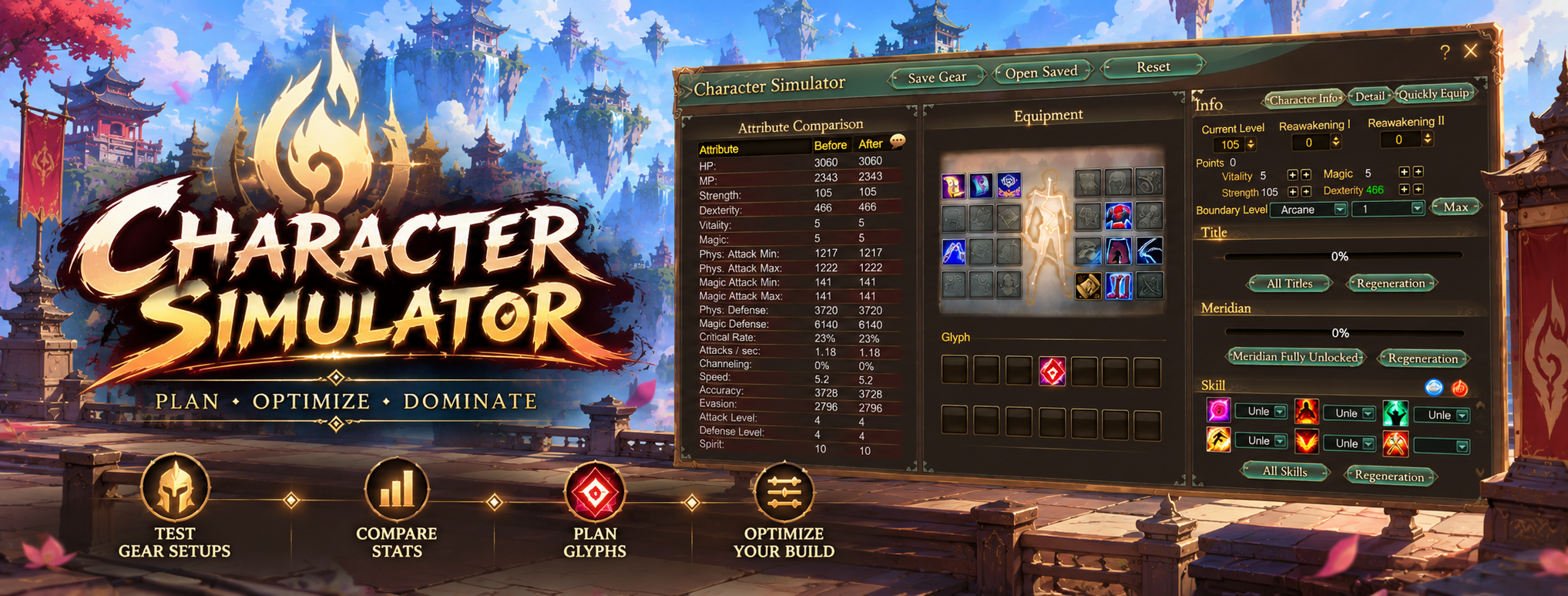
Simulate individual gear pieces or entire sets to find out what suits you best. It's especially helpful for new players who aren't sure where to assign their stats, and shows everyone what their stats and power will look like with specific armor, weapons or ornaments.
- Simulate RNG stat rolls for ornaments, Rank 8 Recast gear and other randomized items
- Browse stat pools piece by piece — armor by armor, ornament by ornament
- Engraving included
Settings Menu Reworked
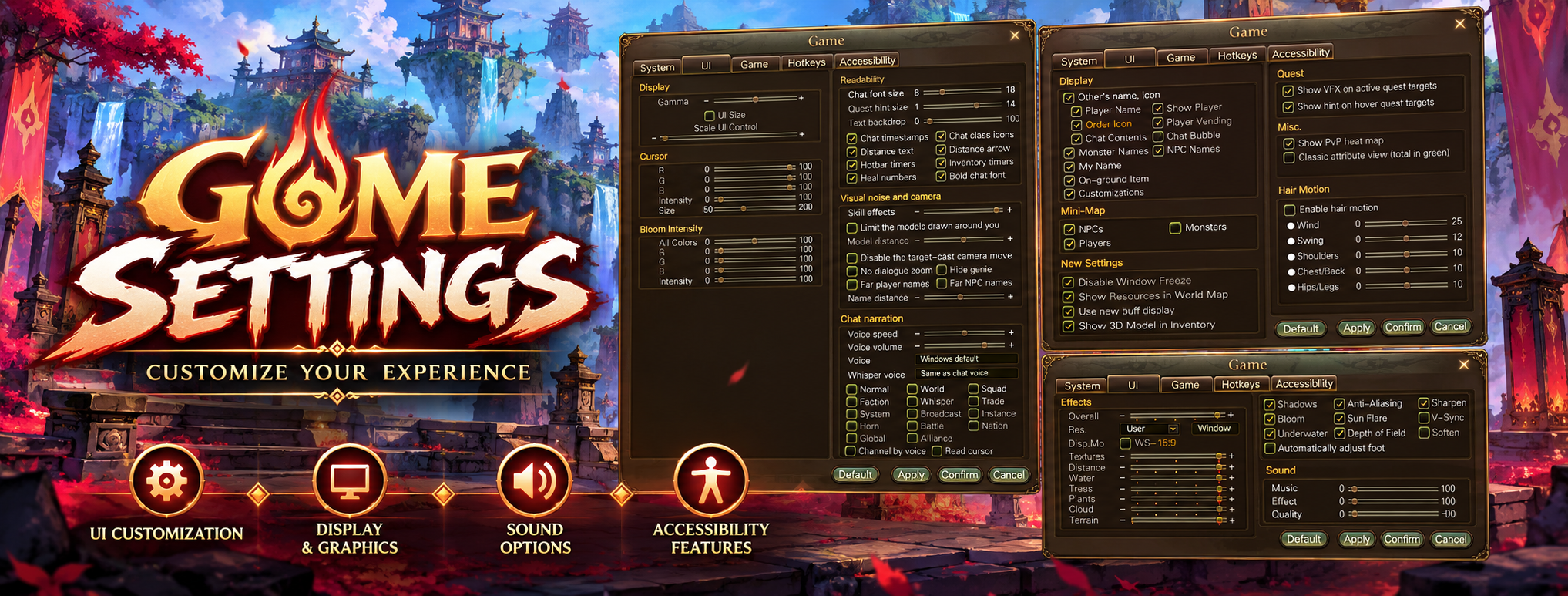
This patch introduces a completely reworked settings UI with the following tabs.
System Tab
| Setting | What it does |
|---|---|
| Soften | Adds a soothing glow to your character model and the overall graphics |
| Automatically adjust feet | Your character's stance naturally adapts to the terrain it stands on |
UI Tab — Dynamic Hair Movement
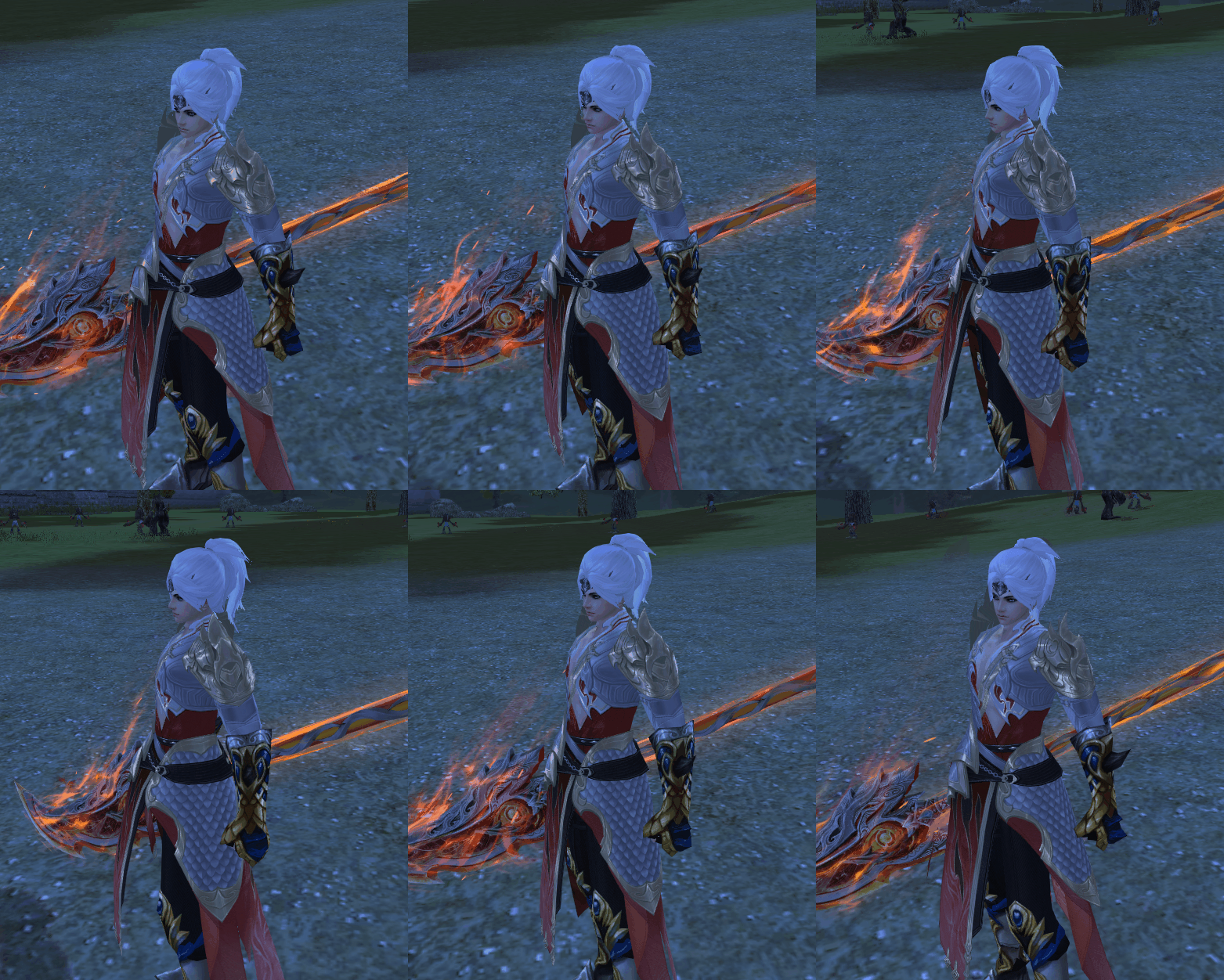
Under Settings → UI Tab you can make your hair movement more realistic and dynamic.
| Enable Hair Motion | Controls |
|---|---|
| Wind | How strongly the wind affects the motion |
| Swing | How strongly the hair swings when you move |
| Shoulders | How the shoulders interact with your movement |
| Chest / Back | How the chest and back move with your character in certain scenarios |
| Hips / Legs | How the hips and legs move based on the terrain you stand or move on |
- Show PvP heat map — shows the areas where PvP is currently raging
- Show hint on hover for quest targets — toggle the quest hint when hovering over a boss or mob required for your quest
Hotkeys Tab
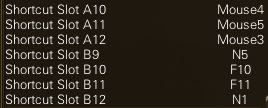
- Assign your mouse buttons as in-game hotkeys
- Assign F+ hotkeys to skill bar slots B9, B10, B11, B12

- Assign the 10, 11, 12 hotkeys to skill bar slots A10, A11, A12

Accessibility Tab
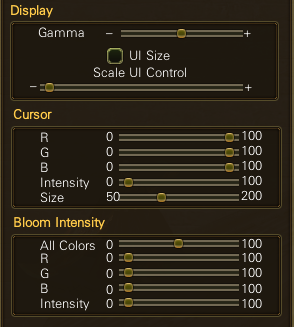
- Adjust gamma, UI size and UI controls to your liking
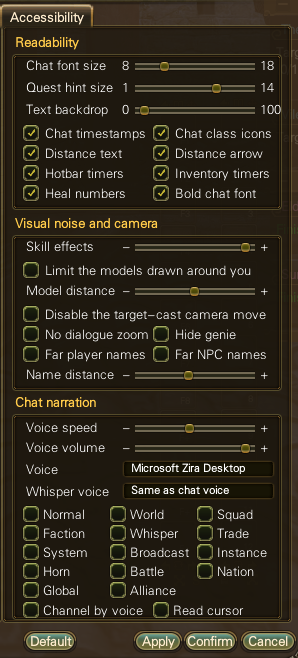
- Enable/disable chat timestamps
- Enable/disable class icons
- Enable/disable healing numbers
Chat Narrator New
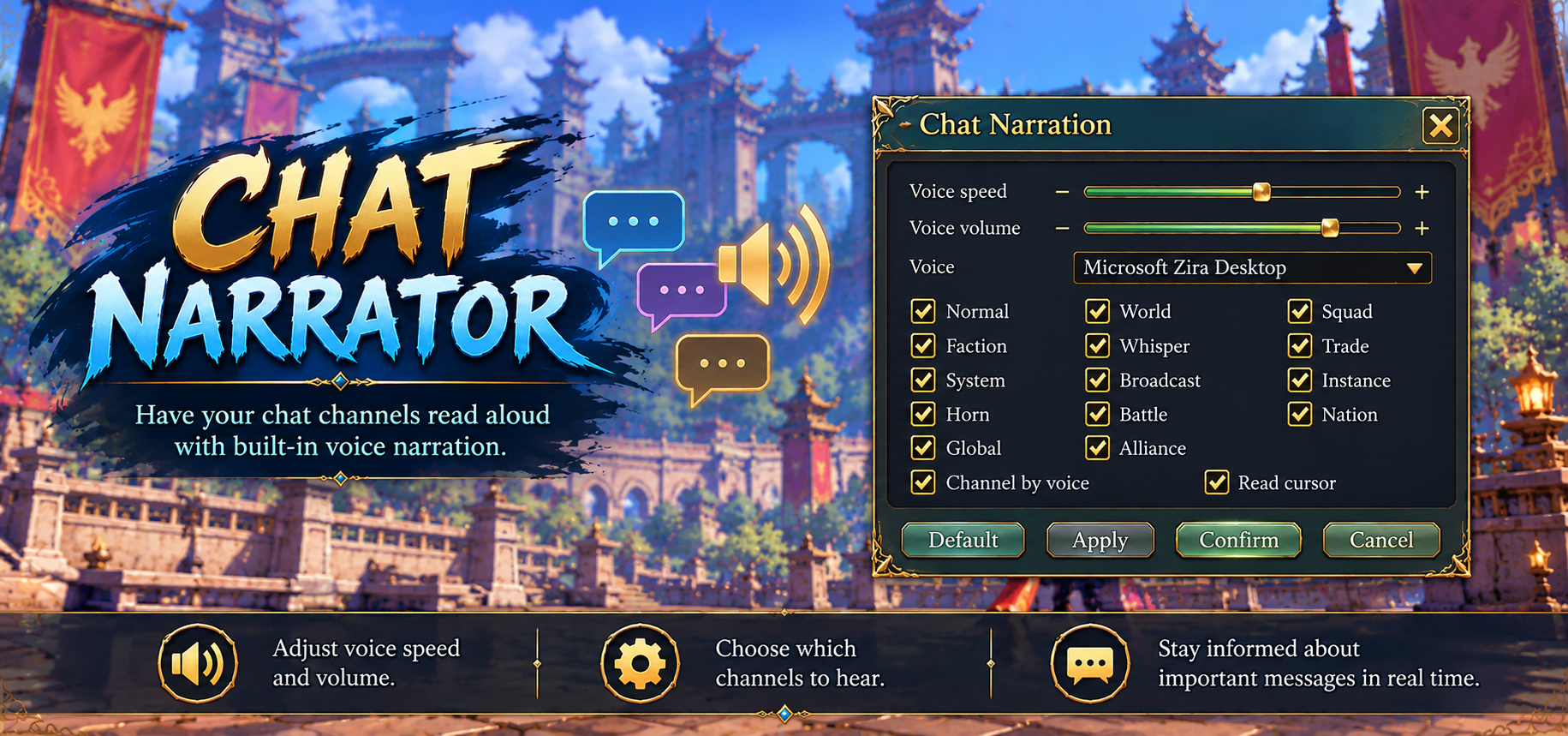
At the request of our community, our developer nero has added an in-game Chat Narrator. It reads out NPC names, dialogues and chat messages for players who need assistance in game. We hope you find it helpful!
Find it under Settings → Accessibility Tab
Healing Numbers New
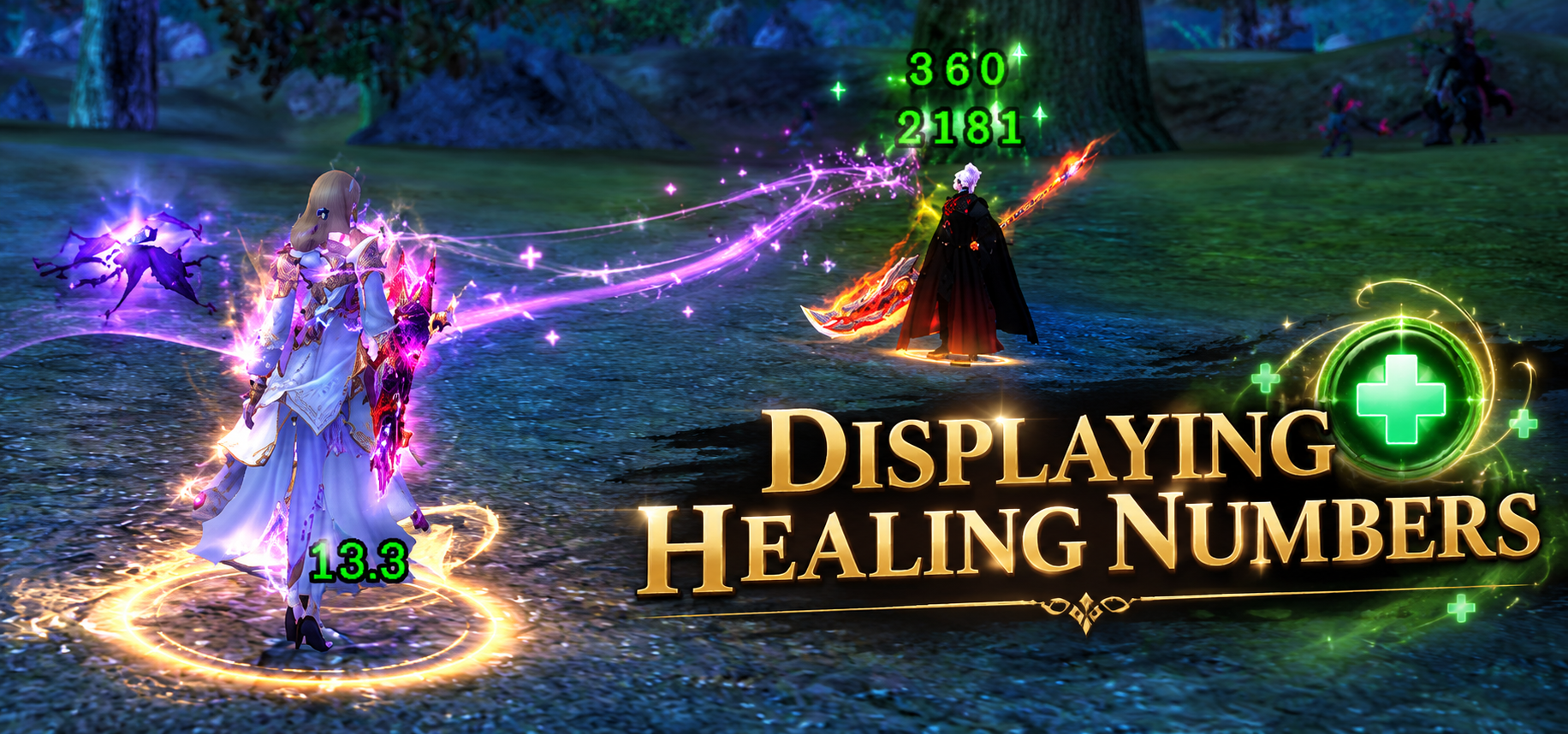
Alongside the familiar Damage Numbers for normal and critical hits, Evolved PW 1.8.9 now shows Healing Numbers when you heal your target, giving healers and supporters a whole new perspective on the game.
NPC: Weapon Fashion Preview New
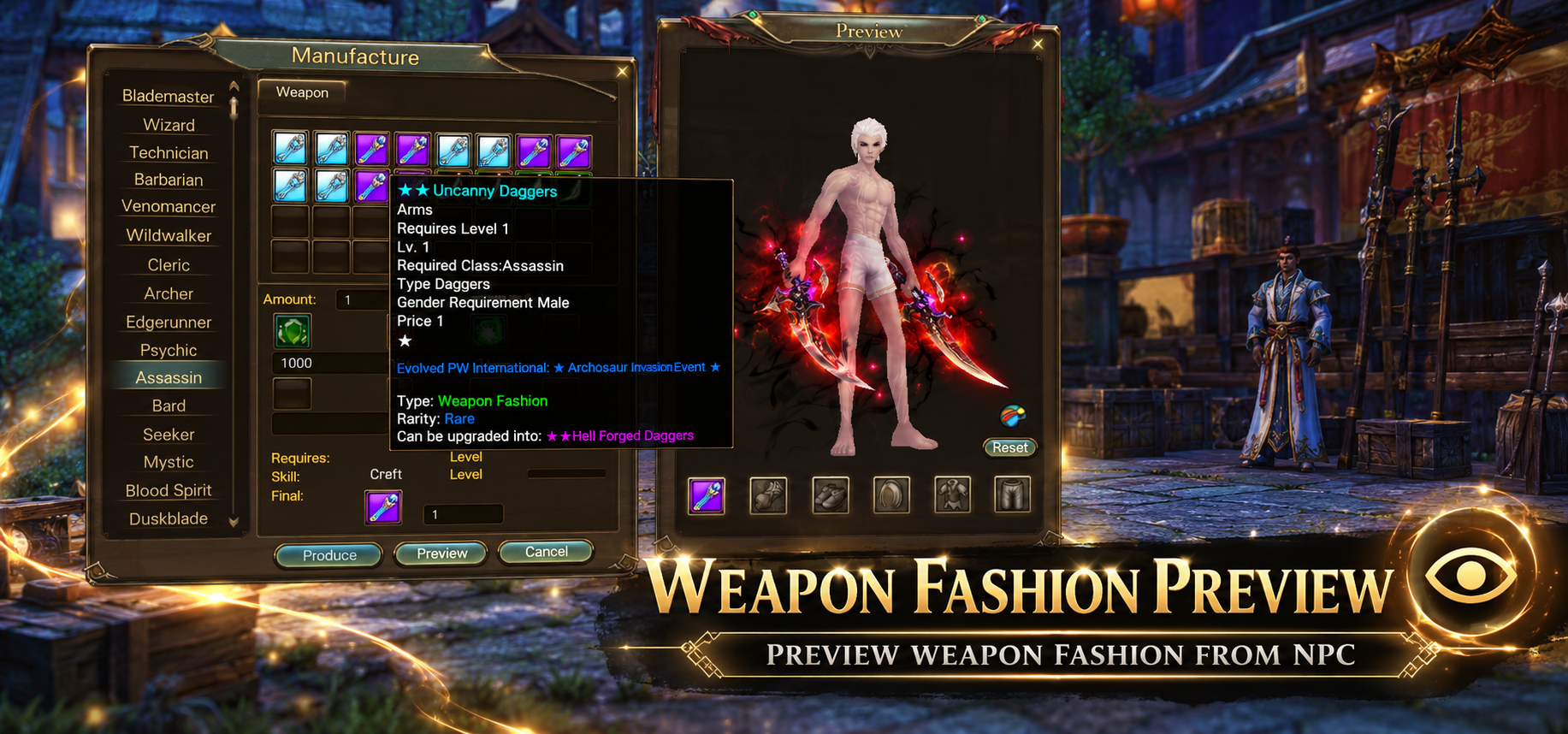
You can now preview the weapon fashion an NPC offers before you buy or craft it, so you can pick the one you like first.
How to preview
- Open the NPC that offers the weapon fashion
- Click on the new Preview button
- Select the weapon fashion from the NPC to see it on your character
Once you've found the one you want, craft it.
Crafting Menu — Class Filter QoL
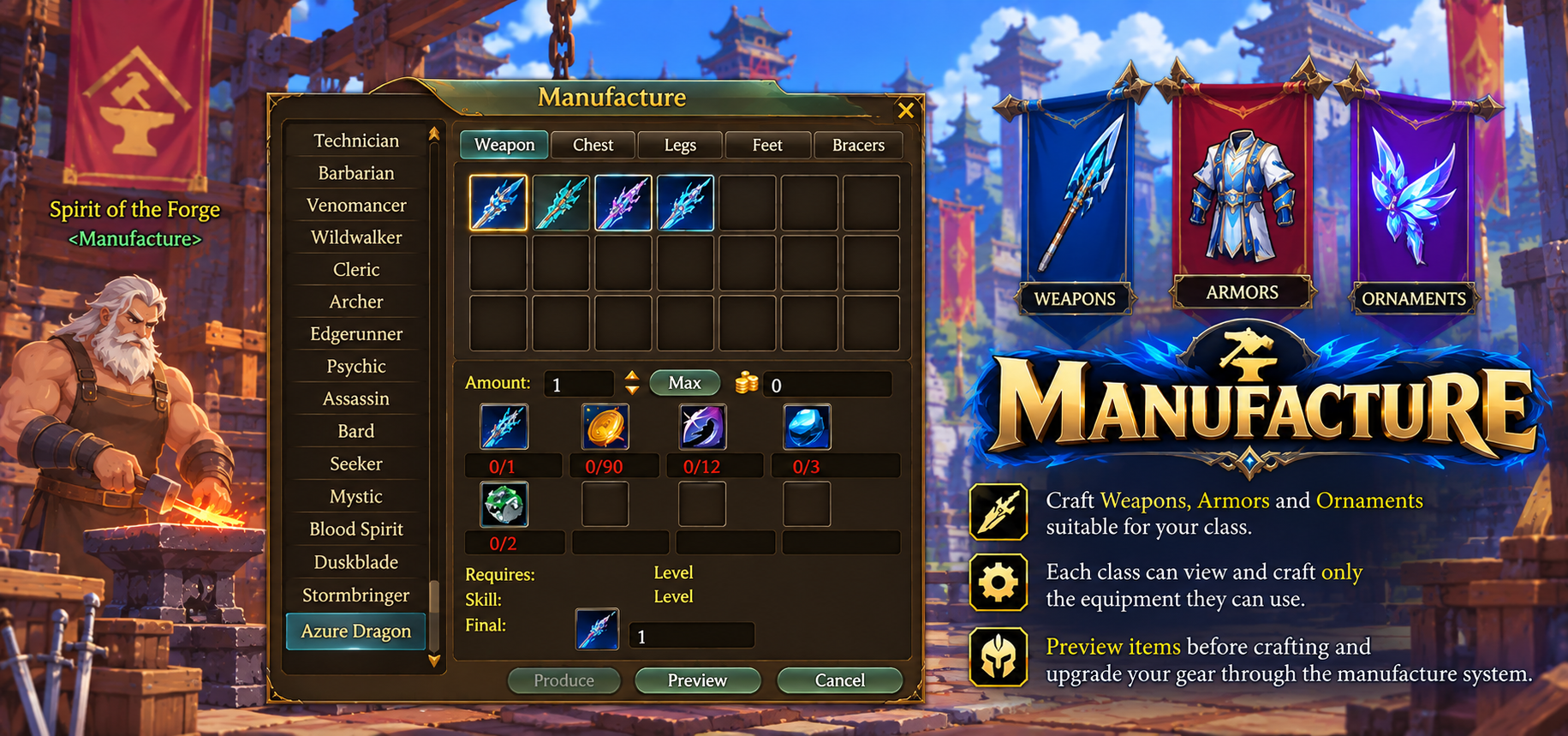
The new crafting menu will automatically show only the gear that suit your class when you open a crafting NPC, giving you a much easier overview of the items your class actually needs.
Alliance Chat New
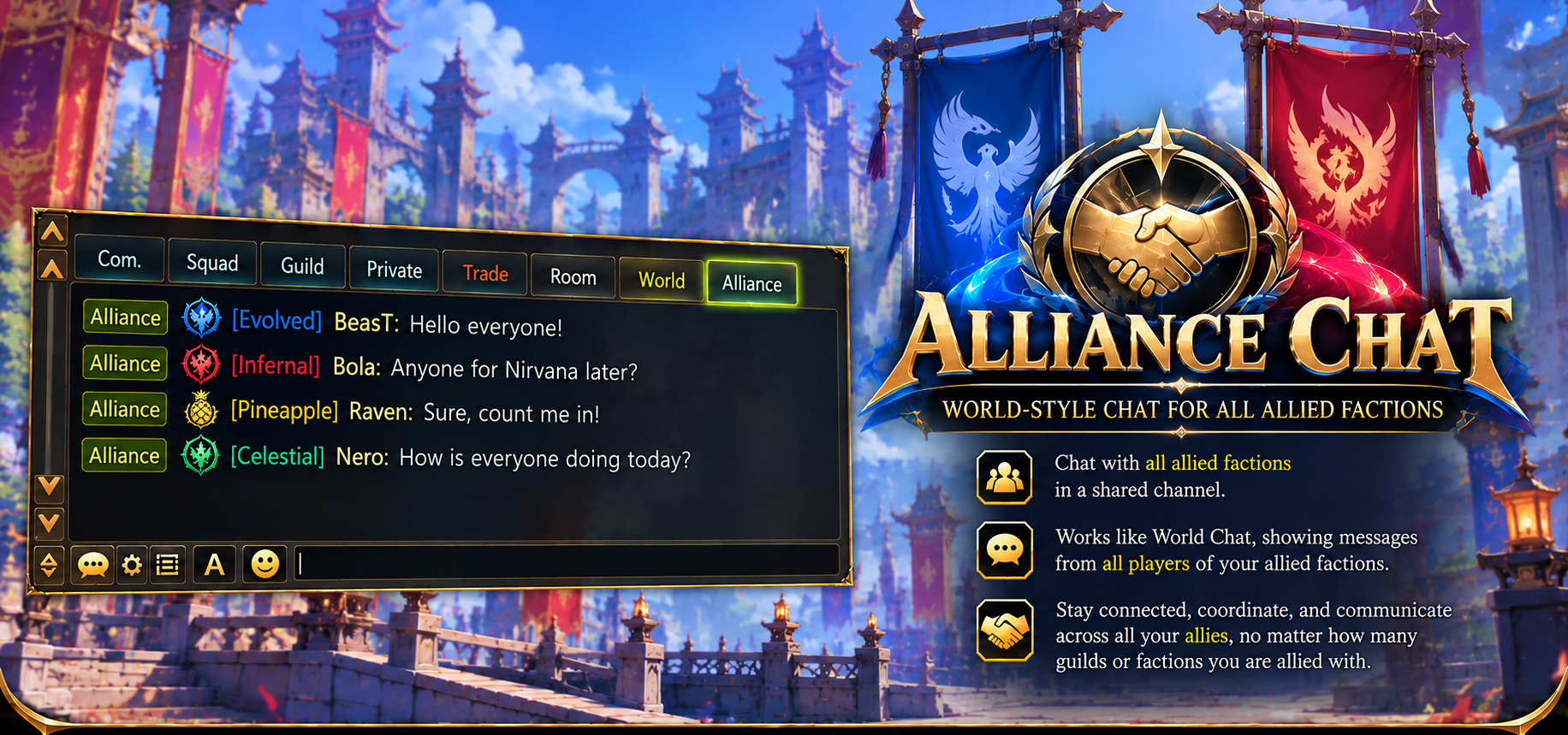
As promised, Alliance Chat is now enabled. Allied guilds can now talk to each other directly.
| Detail | |
|---|---|
| Cost | 1×  Alliance Trumpet per message Alliance Trumpet per message |
| Where to buy | Cubi Shop or Event Shop |
| Smileys | Supports our custom smiley sets |
| Visibility | Highlighted for all members of both guilds in a new Chat menu - Allies |
PvP Heat Zones New
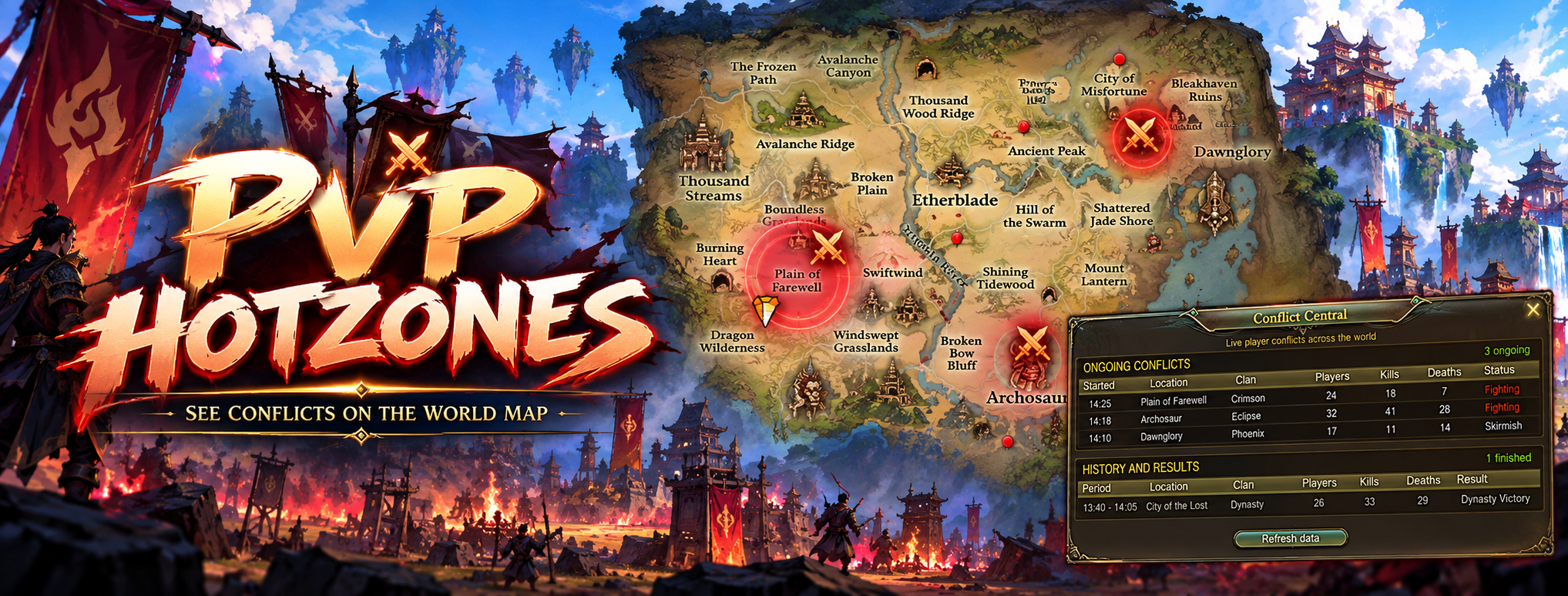
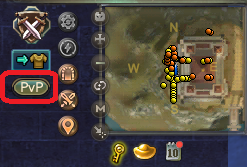
A new button opens a menu showing which sides are currently fighting and where on the world map it's happening.
Active PvP zones are marked with yellow circle, extremely active PvP zones are marked with red circles, and the action is announced in global chat. Feel free to join in once you see the PvP escalating!
Squad Settings Reworked
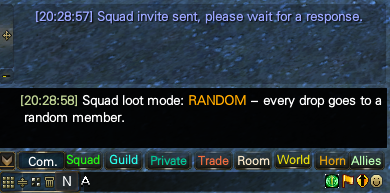
Many players reported squad leaders secretly setting loot rules in their own favor, with no way for other members to see how loot was being distributed.
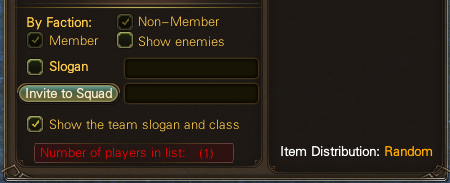
Squad settings are now visible to everyone at all times, which should put an end to runs where loot is never shared with you.
Multi-Ride Mounts New
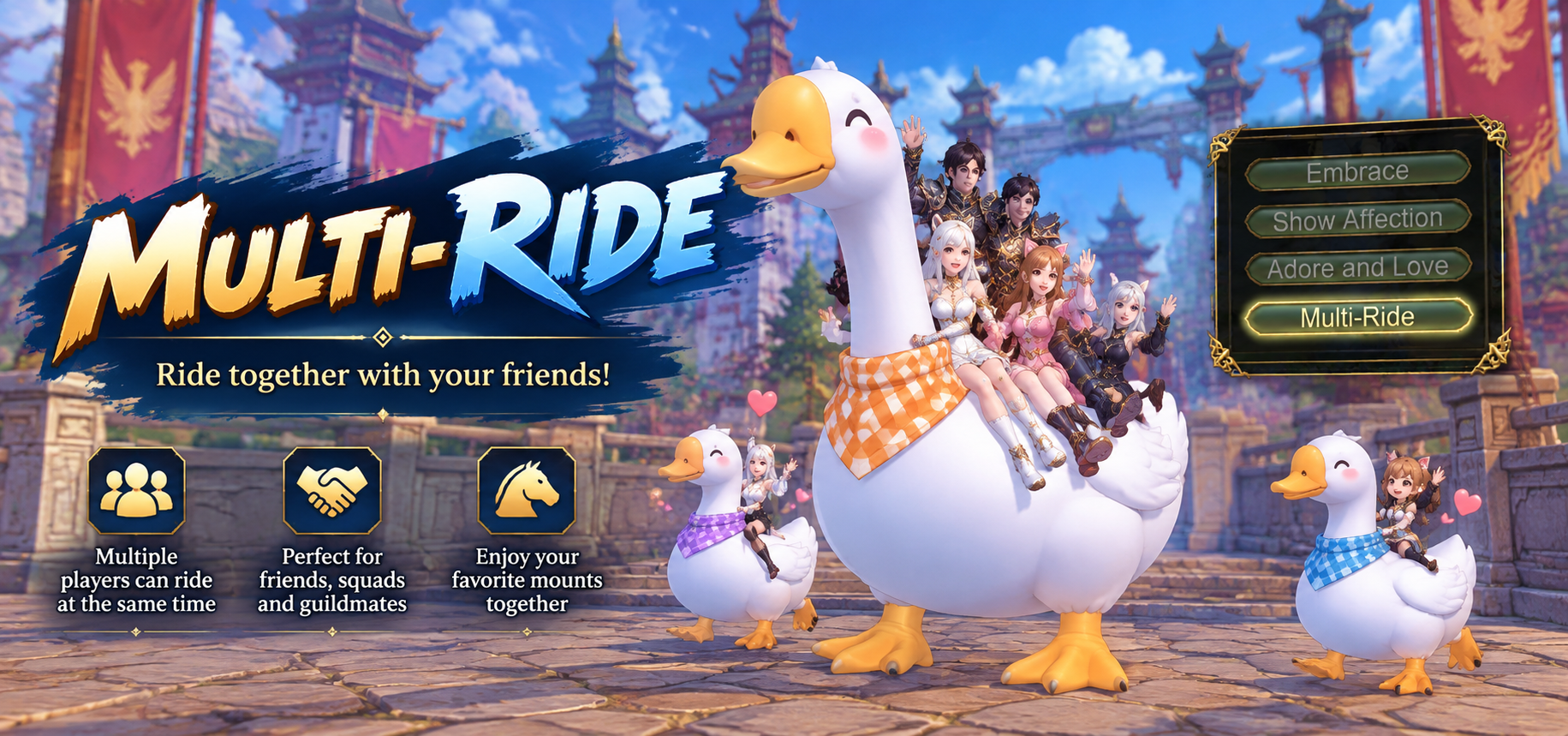
You can now carry other players on multi-ride mounts. Instead of being held in your arms as before, they ride together with you on the mount!
Nation Wars — Balanced Matchmaking Reworked
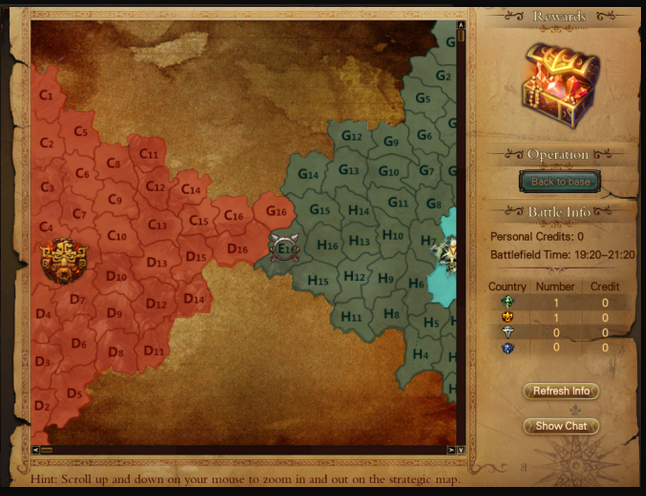
We have once again adjusted Nation Wars and hope matchups will now be far more balanced and fair, especially for new players.
| Change | Details |
|---|---|
| Nation placement | The old criteria (+12 refine, Rank 9, etc.) for Flame or Dark nation placement were replaced with modern requirements based on endgame gear and stats |
| Healing score | Healing your nation's members now counts toward your score, giving healers and supporters a better chance to earn Supply Tokens and climb the scoreboard |
Quality of Life
Less clicking, more playing
Company Pet Looting QoL
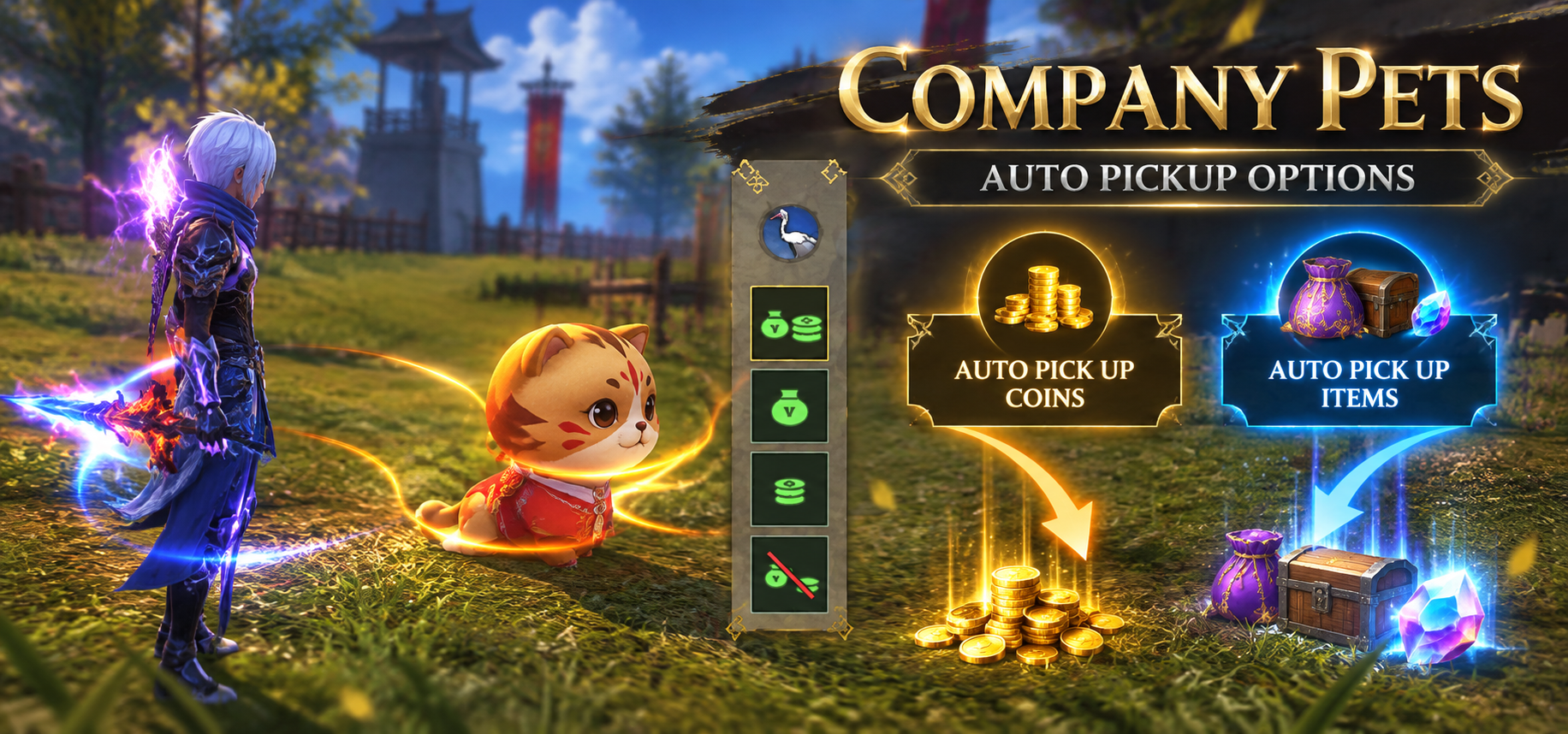
Company pets (all class pets) can now pick up loot for you. Set them to one of these commands:
| Command | Picks up |
|---|---|
| Pick only Coins | Coins |
| Pick only Items | Items |
| Pick Coins & Items | Everything |
| Don't pick anything | Nothing |
Focus on more mobs at once without missing drops, and loot much faster when there's a lot on the ground.
Mailing History QoL
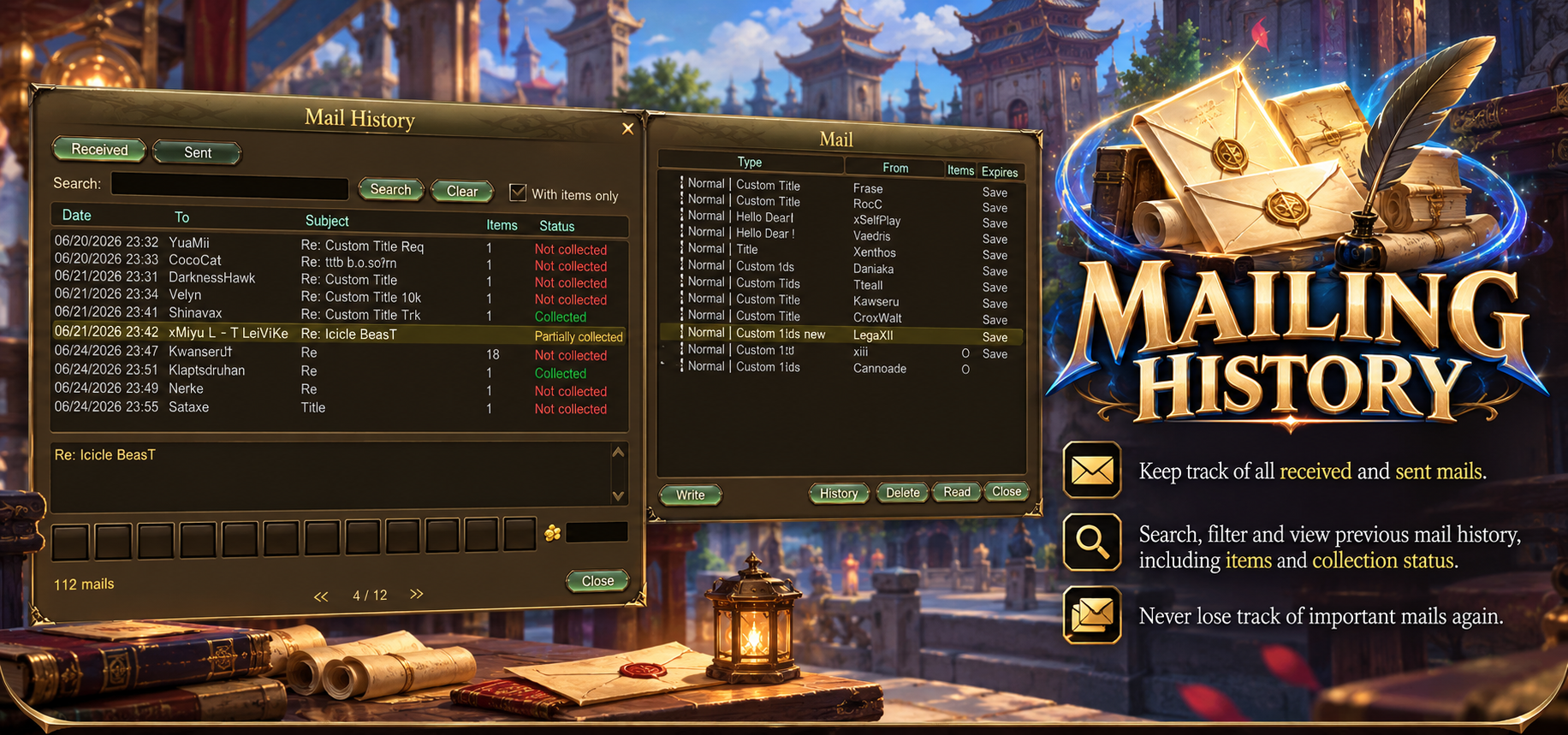
A new mailing history lets you keep track of items sent through multi-mail. Every mail is sorted into one of three categories:
| Status | Meaning |
|---|---|
| Collected | All items have been picked up |
| Partially Collected | Some items are still waiting to be picked up |
| Not Collected | No items have been picked up yet |
Smart Auto-Pathing QoL
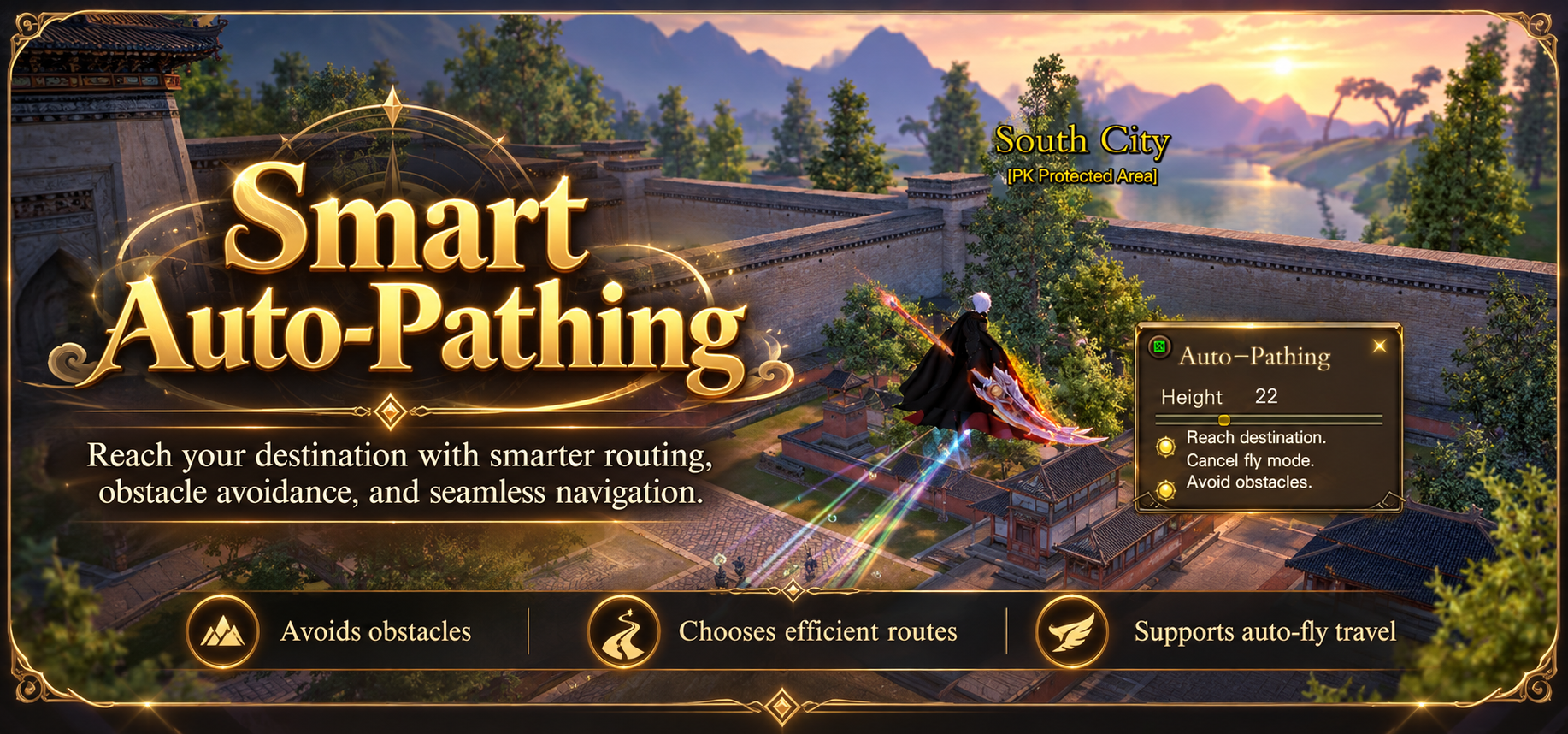
Auto-pathing now always takes the fastest route and avoids NPCs, buildings and other obstacles on the way to your destination. Great for auto-cultivation or combined with the new Company Pet looting.
Glyph Macro (Auto-Swap) QoL
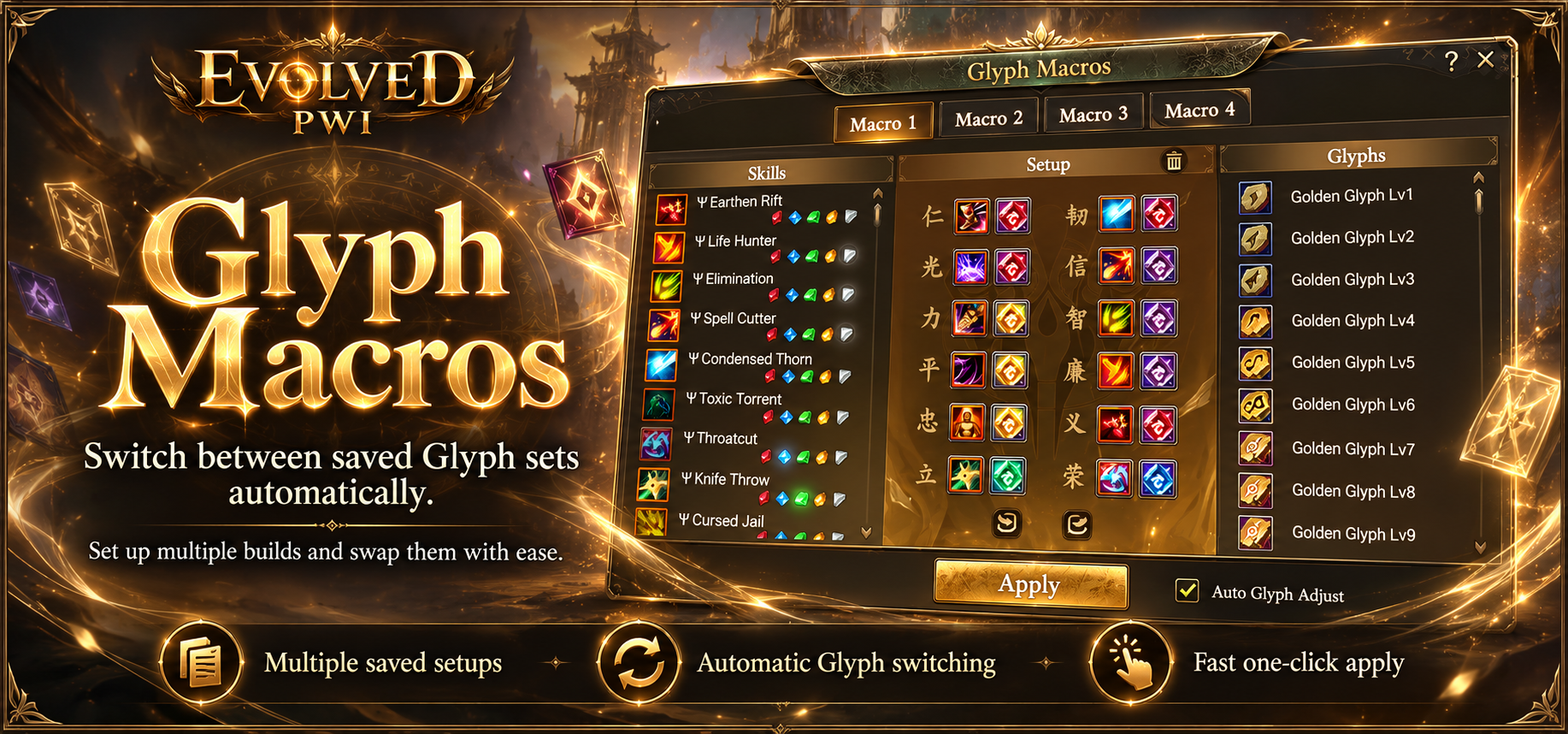
- Save 4 different Glyph setups and switch between them — for example, one for PvP and one for PvE
- Copy and paste setups to share them with friends or new players
GFX — Visual Update
New graphic effects for skills and weapon fashion
Updated Graphic Effects Reworked
We've updated the GFX (graphic effects) of most skills and weapon fashions for a more realistic gaming experience.
For comparison, here is the Blazing Barrier skill on the Venomancer:
Skill Changes
Class balance and skill fixes
| Skill | Version | Change |
|---|---|---|
| Tiger Form | All | Cooldown is now 6 s for Base, Sage and Demon (Sage/Demon: 2 s → 6 s) |
| Roar of the Pride | Sage / Demon | No longer disarms the target for 7 s. Only the stun remains. |
| Devour | Sage / Demon | Now stuns the target as the description says, instead of lowering their attack level by 15 |
| Cornered Beast | — | Can now be cast in Tiger Form |
| Gold Armor Deity | — | Now taunts players, forcing them to attack you for 4 s |
| Skill | Version | Change |
|---|---|---|
| Quickshot | Sage / Demon | Cooldown 3 s → 1 s |
| Thunderous Blast | Sage | Cooldown 7 s → 1 s, channel time 2 s → 1 s |
| Thunderous Blast | Demon | Cooldown 8 s → 1 s |
| Ψ Thunder Shock | All glyphs | Now applies a true paralysis instead of an immobilize |
| Skill | Version | Change |
|---|---|---|
| Aqua Impact | Sage | Chi gained 10 → 15 |
| Skill | Version | Change |
|---|---|---|
| Battousai | — | Cooldown 4 s → 1 s |
| Quid Pro Quo | All | Now removes debuffs from you when cast (100% chance). Base: up to 1 debuff per skill level. Sage, Demon, Φ, Ω: up to 10 debuffs. |
| Rewinding Gesture | All | Now resets Voidstep and Unfetter in every version (Base, Sage, Demon, Φ, Ω, Ψ and all Ψ glyphs). The +15% crit for 12 s is unchanged. |
| Ψ Gravel Blade | Sanguine glyph | Bonus +40/60/80/100% + 1780–4450 → +60/90/120/150% + 3780/4670/5560/6450. The entire hit now deals Metal damage. |
| Dragon Rising | Φ / Ω — Blade | Channel cut to 0.2 s, cast time 1.4 s, +300% weapon damage |
| Dragon Rising | Φ / Ω — Polearm | +20 m range and +100% weapon damage |
| Dragon Rising | Φ / Ω | Removed the casting slow and bleed, which weren't in the description. The stun remains. |
| Dragon Rising | Φ (Sage) only | 35% chance to recover 100 Chi |
| Dragon Rising | Ψ — Blade | +700% weapon damage and a faster cast (1.0 s) |
| Dragon Rising | Ψ — Polearm | Now gains +20 m range only; no longer receives the bonus damage |
| Dragon Rising | Ψ — Golden glyph | Bonus now correctly applies when using a blade |
| Dragon Rising | Ψ — Sanguine glyph | Polearm gains +40–100% weapon damage (by glyph level) as physical damage instead of Metal |
Fixes & Adjustments
Shop, guilds, quests, items and website additions
| Area | Change |
|---|---|
| Shop | Added 7 new fashion sets for each gender |
| Shop | Added the missing female Elven Wings fashion |
| Boutique | The newest Boutique fashions are now trade-able (future purchases only). To fix your current ones, DM BeasT. |
| NPC | Added all Event Weapon Fashions for Blood Spirit & Azure Dragon. Available in the Event Dungeon or from NPCs such as Territorial War Agent, Elder: Events Giver, etc. |
| Currency | Hold the convert buttons to quickly convert Ten Million notes into coins and vice versa |
| Map | Added a PvP button next to the mini-map, with large circles on the map (colored by player count) showing PvP activity |
| Quest | The Broken Vase can now be completed at Fei's Brother (459, 418) |
| Item | Sanctified Tome II (Barbarian) now shows the correct skill: Ψ Berserker's Wrath |
| NPC | Fixed the UP requirement description on Elder: Events Giver |
| Appearance | Removed the Nightshade female/male hair S versions |
| Mounts | Fixed character positioning on various mounts |
| Pets | Pet name limit 8 → 16 characters |
| Chat | Links sent by GMs or automated broadcasts are now clickable |
| Mines | The Marriage Quest mines Meteor (631, 565) and Unnamed (638, 568) are now permanent and can be dug, just like the Ore mine |
| Guilds | Added requested guild icons |
| Guilds | Added requested guild banners |
| Titles | Added requested custom titles (cosmetic) |
| Website | Added an Event Calendar — follow in real time when our automated events start and end |
| Spirit Cap | Increased Spirit Cap from 1500 to 2500 |
Found a bug? Report it on our Discord. Enjoy the expansion!